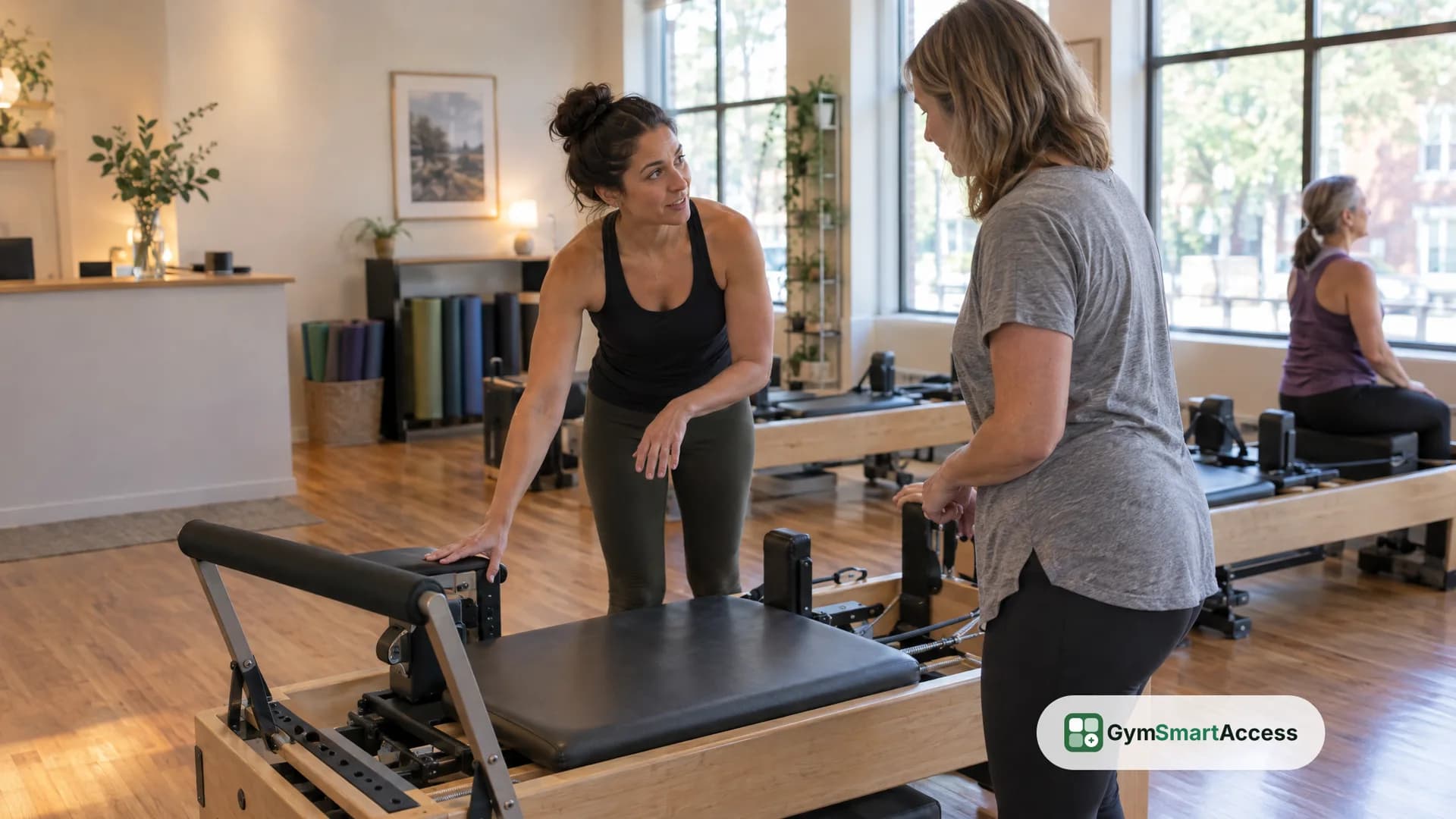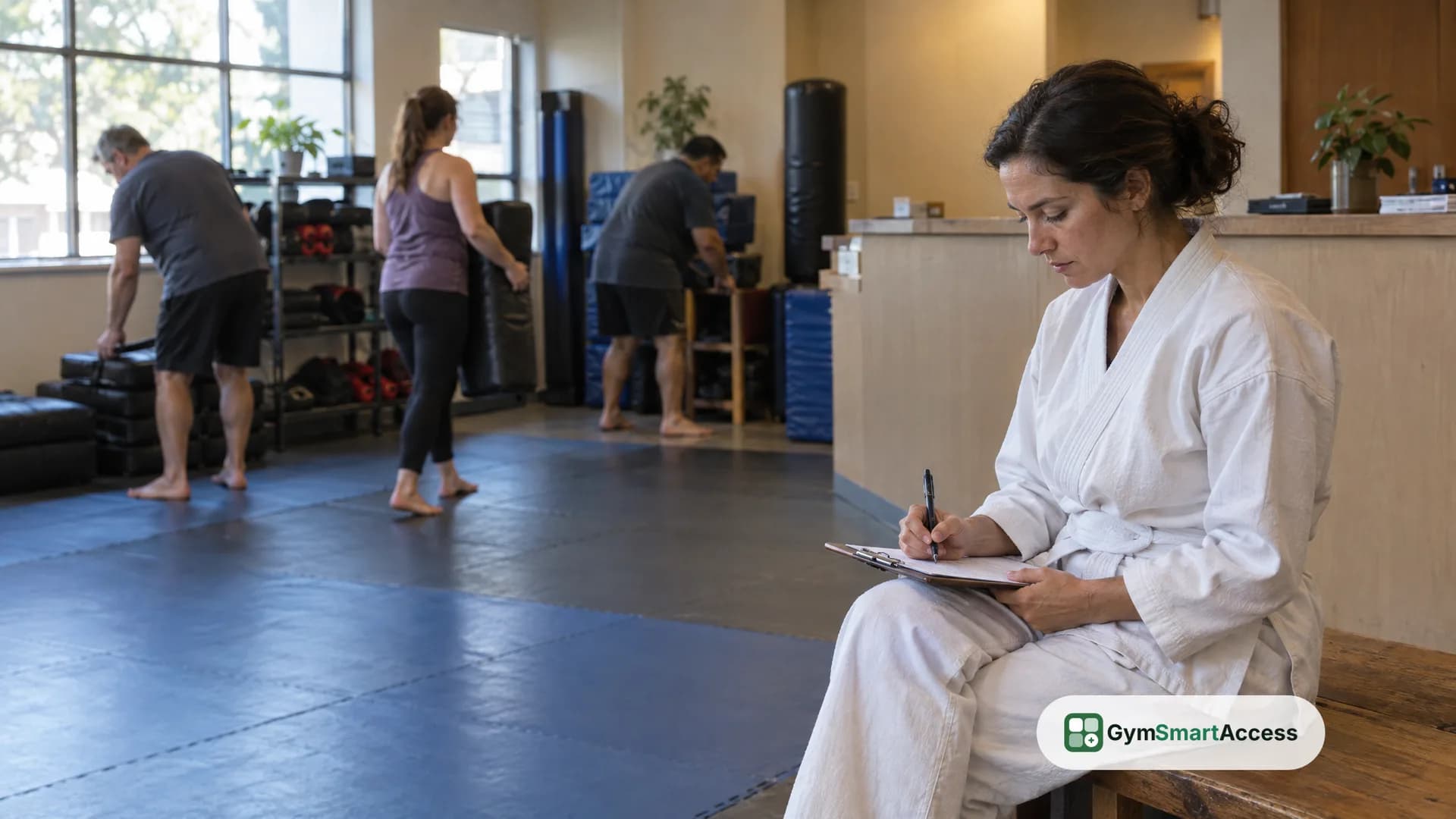
Martial arts software for a small school should do four things well: run your class schedule with limits on who can book, record who attends, handle the front desk (who has paid, who is behind, who gets in the door), and keep the student list in one place. Everything beyond that is a bonus, and some of it you may never use. The way to choose is to write down how your school works today, ask each provider to show you those exact tasks, and notice what they cannot do. This guide gives you the checklist, and says plainly what GymSmartAccess does and does not cover.
What a small martial arts school needs
A dojo, a jiu-jitsu academy or a boxing gym differs from a general gym in a few ways that the software has to respect:
- Classes are the core. Students come to scheduled groups, led by a particular instructor, and the groups differ: kids and adults, beginners and advanced, gi and no-gi, fundamentals and sparring.
- Attendance matters more than visits. The head instructor wants to know who came to which class, how often, and who has stopped coming.
- Kids' classes bring parents. If you teach children, a parent pays and wants the messages. Ask how a provider handles that, since it affects who holds the account and who hears from the school.
- Space is limited. A mat holds a certain number of people, and a sparring class has a size beyond which it is not safe or useful.
- The front desk is often an instructor between classes, or nobody. Anything that needs someone at a screen for long will not get done.
If your school has a ranking system with belts, stripes or grading exams, that is a separate need. Put it on your list before you talk to any vendor, because not every product has it, GymSmartAccess included.
The checklist, task by task
Write each of these as a task you do this week, and ask a provider to do it in front of you, with your own examples.
- Set up the class schedule. Can you create each group as its own class, with its own capacity, duration and instructor, and publish a weekly schedule once instead of every week?
- Prevent overbooking. When a class is full, what happens? Can students join a waitlist and be moved in if someone cancels?
- Let students book from their phones. Without calling or messaging the school.
- Take attendance. Can the instructor mark who attended from the class list, and can you see the history by student?
- Control who walks in. Can a student who is up to date come in without a person checking a list, and can a student who is past due be stopped?
- Record fees at the front desk. In cash, by transfer or by card on your own terminal, with a receipt, and the student's status updating right away.
- See who is falling off. Can you list the students who stopped coming, with a way to contact them?
- Work for each location, if you have more than one, with staff who see only their own.
- Separate kids from adults in the schedule and the student list, with the parent's contact where it belongs.
- Get your student list out in a file you can open elsewhere, if you ever leave.
Questions a school should ask before it signs
Beyond the tasks, these questions matter more to a martial arts school than to a general gym. Write down each answer with the date:
- Do you track belts, stripes or grading exams, or would I keep those somewhere else?
- How do you handle a child's account and the parent who pays for it?
- Does the product collect fees automatically in my country, or does it record what my front desk collects?
- Can an instructor see their own classes and students without seeing the money?
- If a student skips sparring for a month, will I notice, and how?
- Can I run a real week of classes in a trial before I decide?
A provider who answers "yes" to everything has not understood your question. The useful answer is the one that names its limits.
What GymSmartAccess does for a school, and what it does not
GymSmartAccess is a system for gyms and studios, and much of a small school's week is the same work. This is what it does:
- Classes. A catalog of classes for each location, with a capacity, a duration and an instructor, and a weekly schedule loaded once that publishes the classes two weeks ahead. The instructor has a panel with their classes and the students booked.
- Bookings with limits. Students book from the phone with the capacity of each class enforced. A full class has a waitlist with positions, and a freed place goes to the first person waiting, who is notified by email and in the app. A student who is behind on the fee cannot book. A student who trains in the same class every week can keep that place every week from the app, within the days a week their plan includes, and the front desk can set it for them.
- Attendance. Each class shows who is booked and who is waiting, and the instructor or the front desk marks who attended. Separately, the attendance report counts entries at the door: each day's entries, the rejected ones, and how many times a student comes on average.
- Entry. A fixed QR for each location, which students scan with their phone camera when they arrive, or a six-digit code if the camera fails. Each entry is checked against the student's fee, whether their plan covers that location and the days a week the plan allows, and the front desk can register an entry by hand or collect a past-due fee on the spot and let the student in.
- The front desk. Fees are recorded from the student's profile, in cash, by transfer or by card on the school's own terminal, and the student is up to date right away.
- Keeping students. The summary lists the members at risk of leaving, those who stopped coming, with their phone numbers, and the team can open a suggested WhatsApp message from the student's profile.
What it does not do, so you can count it out now:
- It has no belt ranks, stripes or grading exams, and no record of a student's progress through them. If the school needs that, you would keep it elsewhere.
- It does not charge fees automatically outside Argentina. There, the front desk records the payment, and the status follows.
- It does not open a door or run a turnstile. The student's phone shows whether they may come in and the entry is recorded; stopping someone at the door is your staff's job, or separate equipment that GymSmartAccess does not control.
- It does not issue tax invoices, and it does not send WhatsApp or phone notifications by itself: it notifies by email and inside the app.
- Plans are memberships of one to twelve months, which can be limited to a number of days a week. There are no class packs.
If the checklist above matches your week, see features and how it works, and the pricing for the plans. The free trial is 30 days, with no card.
Try it before you decide
Create a plan, add your members and record their payments at the front desk. 30 days free, no card.
Try GymSmartAccess