Gym access control is two separate jobs: deciding who is allowed in, and making that decision stick at the door. The first is a set of rules about your members, such as whether the fee is current and whether the plan covers this location. The second is whatever actually stops someone who fails them, which is either a person or a locked door. The mistake to avoid is buying one of the two jobs and assuming it also does the other.
The rules: who is allowed in
Before you look at any gym access control system, write down the rules in plain words. For a small gym they are usually these:
- The person is a member of this gym
- Their membership is current, not past due or inactive
- Their plan includes this location
- They have not used the days per week their plan allows
- Nobody on your team has suspended them
Write down a sixth line too: who may overrule the system, and how. A front desk that cannot let in a member who forgot their phone will find a way around the rules.
In GymSmartAccess these checks run on every attempt, at the moment it happens: a member whose fee is past due does not get in, the plan decides which locations they can enter and how many days a week, and you can suspend a member with one click so that the entrance leaves them out from that moment. There is no "just this once" for a past-due fee, not even at the front desk: the payment is recorded first, and then the member can come in. When someone is turned down, the screen says why, and the reason is saved.
Who enforces the answer
A rule that nothing enforces is advice. There are two ways to enforce it, and the difference between them is who or what stops the person.
- Setup
- A person at the front desk with a screen
- What stops the person
- Your staff, who see the answer and act on it
- What you install
- A QR code on a printed sign or a tablet at the entrance
- Where it fits
- A gym with staff at the entrance during opening hours
- Setup
- A reader with a locked door or a turnstile
- What stops the person
- The door or the turnstile, also when no one is watching
- What you install
- Readers and a lock or a turnstile, set up by an installer
- Where it fits
- A gym that needs a physical barrier, or wants members to come in outside staffed hours
The second setup needs a credential: a key fob, a key card, a code or a phone. The credential only tells the system who is there; it is not the rule. Whether the door opens for a member whose fee is past due depends on what the software behind the reader checks, so ask the vendor which of your rules it checks at the door, and where it reads each member's status from.
Access control for a small gym with staff
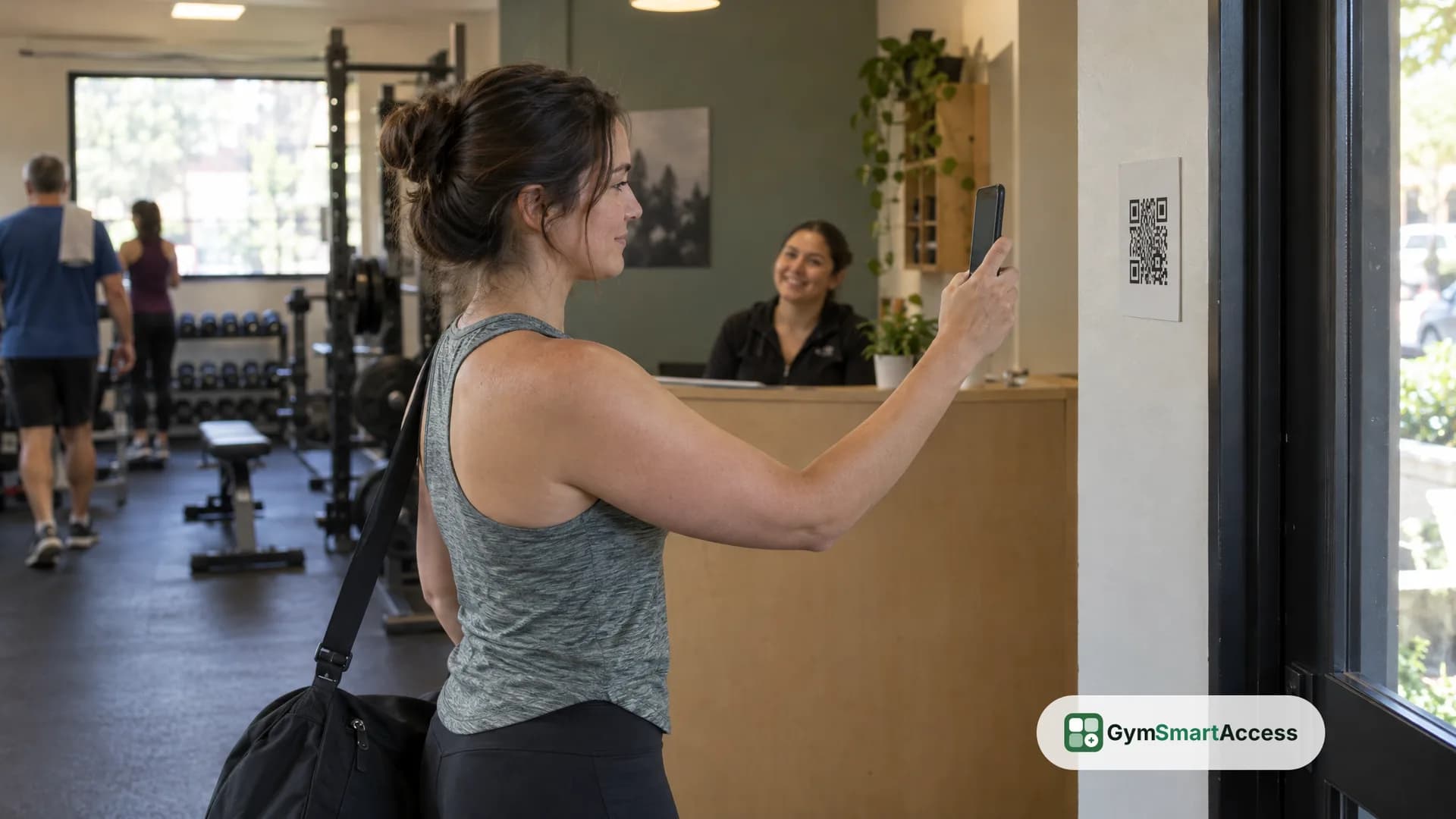
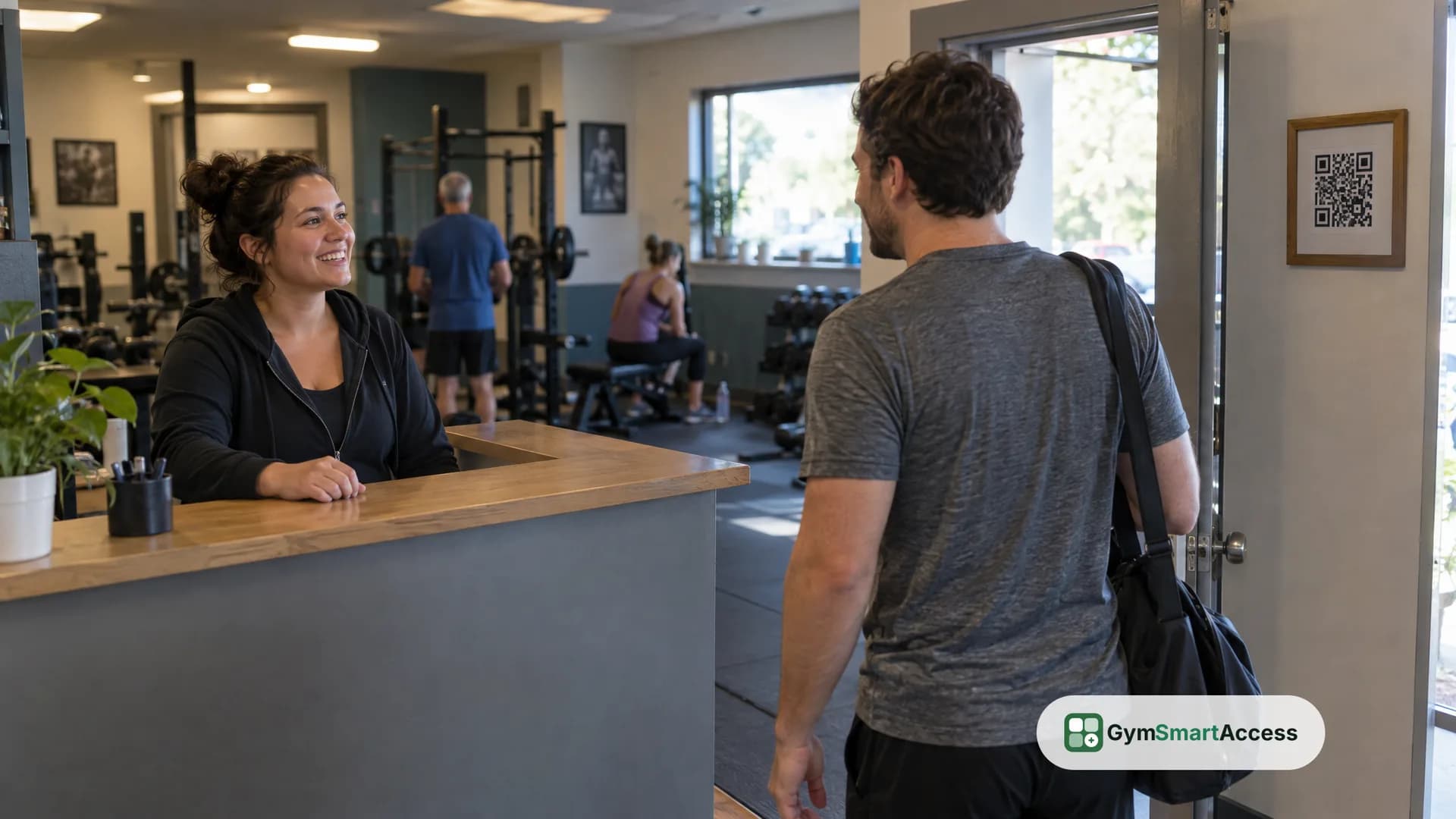
If someone is at the front desk whenever the gym is open, the first setup can be enough, and it needs no hardware. In GymSmartAccess the credential is the member's phone: each location has a fixed QR code and a six-digit code, on a sign you print from the panel or on a tablet at the door, and the member scans the QR code with the phone's camera, or types the six digits in the app if the camera fails. The screen is the access monitor, where the front desk sees who comes in and who does not, live, with the member's photo and a different sound for each case. When someone is turned down, the team of that location gets a notice with the name and the reason.
That setup has a limit you should know before you choose it. GymSmartAccess decides and records, but it does not open doors or run turnstiles, and it is not the software behind a reader. A member who is turned down is stopped by your staff, not by the door. If the door itself has to stop people, that is the second setup, with its own hardware and its own system.
When someone is turned down
Decide your front desk's script before opening day. Plan for three cases:
- The fee is past due. The member pays at the front desk, the payment is recorded and they can come in right after.
- The member is at the wrong location or has used their days for the week. The reason is on the screen, and the front desk can explain it and offer a plan change.
- The member's phone, camera or account is the problem. The front desk searches for the member by name, email or ID number, sees their photo and registers the visit by hand. That manual entry still checks the membership: a member whose fee is past due does not get in this way either.
In GymSmartAccess the front desk takes the payment in cash or by bank transfer and records it. The product records the payment, it does not collect it.
More than one location
If you run more than one location, access control also has to say which plan works where and who on your team sees which entrance. In GymSmartAccess each plan is valid in the locations you choose, and the member can enter only those. Each location has its own QR code and six-digit code, so a member standing at the wrong door gets a clear answer, and each person on your team works in the locations you assign and sees only those.
The record
Whichever setup you choose, ask what it keeps, because the record is what you use when a member disputes a visit or a turned-down entry. In GymSmartAccess every attempt is saved, whether the person got in or not, with the reason and the member's status at that moment; a visit registered at the front desk also keeps who approved it, and no one can change or delete a row. You can filter the history by result, reason, how the person came in, dates and member, and the attendance report shows the visits per day, the turned-down attempts and how often each member comes.
How to choose
Answer these questions in order:
- Is someone at the front desk whenever the gym is open? If yes, a screen and a QR code may be enough.
- Do you need a physical barrier, or members entering with nobody around? If yes, you need door hardware and an installer, and you should ask for written quotes from more than one.
- Whatever you choose, what checks that the membership is current at the moment of entry, and where does it read the member's status from?
- Who may overrule the system, and where is that written down?
- What happens when the power or the internet goes out?
If the answer to the first question is yes and the second is no, you can find out whether QR check-in suits your gym without buying equipment. See how it works for the steps, features for what else is included and pricing for the plans. GymSmartAccess gives you 30 days free, no credit card, to run your rules at the entrance with a printed sign before you decide on any hardware.
Print your location’s QR code and try it
No turnstiles, no fingerprint reader, no hardware. 30 days free, no card.
Try QR check-in