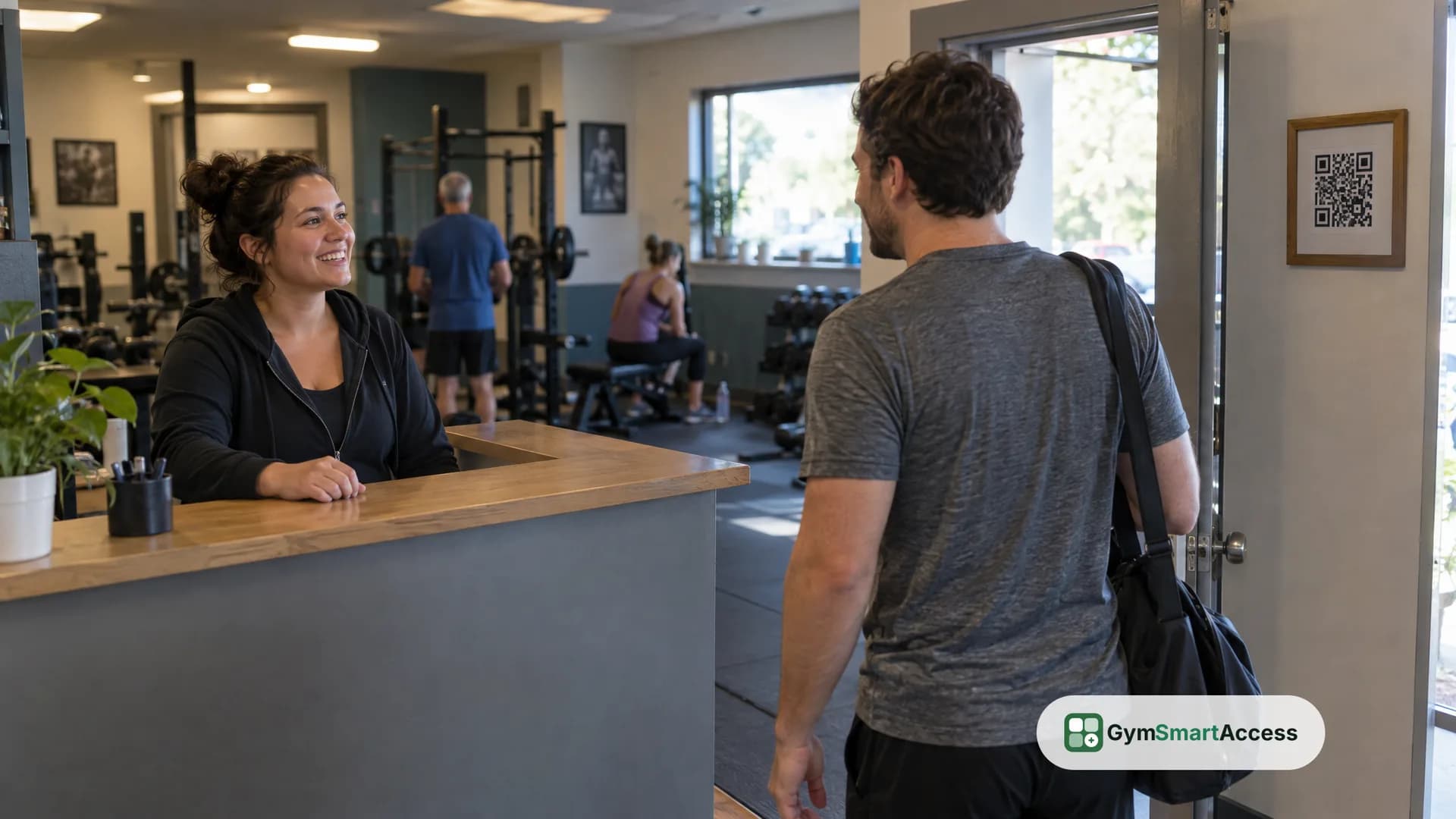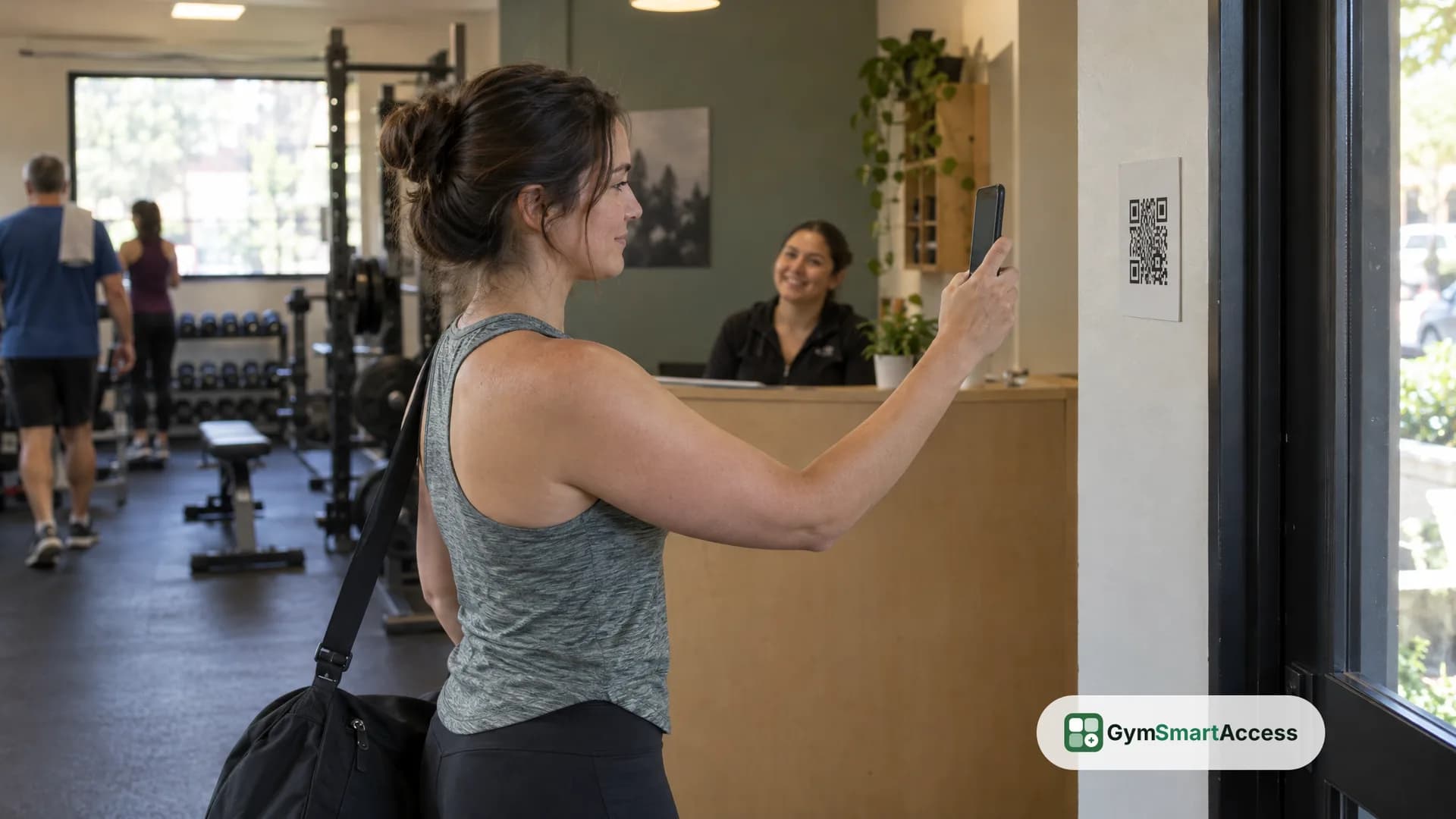
A gym check-in system does two jobs: it records who walks in, and it decides whether that person should. With QR code check-in, the member scans a code at the entrance with their phone, the system checks their membership, and the screen says yes or no. There is no card to issue and no reader to install. It also does not unlock a door or turn a turnstile: it tells the member and the front desk what the answer is, and the rest stays with your staff.
What a gym check-in system has to do
Before you compare methods, it helps to write down what you need the system to do. For a small, independent gym it usually comes down to four things:
- Know who the person is, without a guess or a shared card
- Check that the membership is current at the moment of entry
- Keep a record of every visit and every turned-down attempt
- Show the front desk what is happening without asking anyone to type
Everything else, such as photos at the front desk or a count of visits per day, is built on those four.
How QR code check-in works
In GymSmartAccess, check-in works like this:
- Each location has its own fixed QR code and a six-digit code, printed on a sign for the entrance or shown on a tablet at the door.
- The member points their phone's camera at the QR code and taps the link it shows.
- If they are not signed in, they sign in once with their email and password, and the check-in finishes by itself.
- The screen tells them whether they can go in, or why not.
The member does not need a scanner app: the phone's own camera reads the code. If the camera does not work, the member types the six-digit code from the same sign in the app. A quick double tap counts as one visit, and opening the same page again a moment later does not log a second entry.
What the system checks on every check-in
Each attempt goes through the same checks, in order, at the moment it happens:
- The member belongs to this gym and the location is the right one
- The member's plan includes that location
- The membership is up to date, not past due or inactive
- The member has not used up the days per week their plan allows
If any check fails, the screen says why in plain words, for example that the fee is past due and should be settled at the front desk. The reason is saved with the attempt, so you can see later why that person was turned down.
What the front desk sees
The front desk follows the entrance on a screen. The access monitor shows who comes in and who does not, live, with the member's photo, for one location or all of them together, and it makes a different sound for each case. When someone is turned down, the team of that location sees it right away with the name and the reason.
If a member arrives and the QR route is not working for them, the front desk can search by name, email or ID number and register the visit by hand. The membership check still applies: a member whose fee is past due does not get in this way either until the payment is recorded.
Every visit is kept with the member's status at that moment and, when it was entered at the front desk, who approved it. Nobody can edit or delete it afterward. That is useful when a member disputes a visit or a turned-down entry.
How membership payments fit in
A check-in system that ignores payments only counts heads. In GymSmartAccess, the front desk takes the payment in cash or by bank transfer and records it from the member's profile: the product records the payment, it does not collect it. The membership period is extended, the member is up to date right away, and the next scan lets them in. A member who arrives with a past-due fee can pay at the front desk and be checked in right after.
Key fob, key card or QR code
Before you choose a system, it helps to compare the methods. This table compares methods, not brands:
- Method
- Key fob
- What the member carries
- A fob, issued by you
- What you set up
- A reader at the door and a fob for every member
- What to keep in mind
- Fobs get lost, shared and need replacing
- Method
- Key card
- What the member carries
- A card, issued by you
- What you set up
- A card reader and a supply of cards
- What to keep in mind
- The same issuing and replacement work as fobs
- Method
- QR code on a phone
- What the member carries
- Nothing new: the phone they already have
- What you set up
- A printed sign or a tablet at the entrance
- What to keep in mind
- The member needs a phone and an account
A QR code is not the right answer to every question. If the question is how to automate who gets through a locked door without anyone watching, a door controller with a reader is what does that. QR check-in is the approach for a gym with staff at the front desk, or a small team that can look at a screen, and it is a record and a decision, not a lock.
When a gym still needs hardware
Be honest with yourself about what you are buying. QR check-in is not what you want if you need a physical barrier that stops people on its own, or if you plan to let members in with nobody around. GymSmartAccess does not open doors or run turnstiles. The answer on the screen only works as a gate if a person is there to act on it. For a small gym with a front desk, a printed sign or a tablet at the entrance covers the job of recording and deciding; if you need the door itself to enforce the answer, you need an access control system with its own hardware, which GymSmartAccess is not.
Where to start
If you are setting up check-in for a single location, the order that works is: create the location and its plans, print the location's sign and put it at the entrance, and add your members before opening day. See how it works for the steps on the product's side, features for what else is included, and pricing for the current plans.
You do not need to buy equipment to find out whether QR check-in suits your gym. GymSmartAccess gives you 30 days free, no credit card, to put the sign at your entrance and see how your members use it.
Print your location’s QR code and try it
No turnstiles, no fingerprint reader, no hardware. 30 days free, no card.
Try QR check-in